How to Create Cloth Combinations From Your Photos
Building a digital wardrobe sounds like a dream until you realize you actually have to digitize your clothes. If you are wondering how to create cloth combinations from your photos, you generally have three options:
The Manual Method You scroll through thousands of images in your phone's camera roll, hunting for that one mirror selfie where your outfit looked great. You try to manually crop the images, manage a messy album on your phone, and attempt to combine them using a basic, clunky collage app. It is incredibly time-consuming and leaves you with a disorganized visual mess.
The Cloud Struggle Alternatively, you rely on your cloud storage. You open the Google Photos app, filter through years of memories to find pictures of your clothes or a good profile shot, download those specific image files to your phone's local storage, switch back to a styling tool, and upload them one by one from your gallery. It is a disjointed, frustrating loop of downloading and uploading.
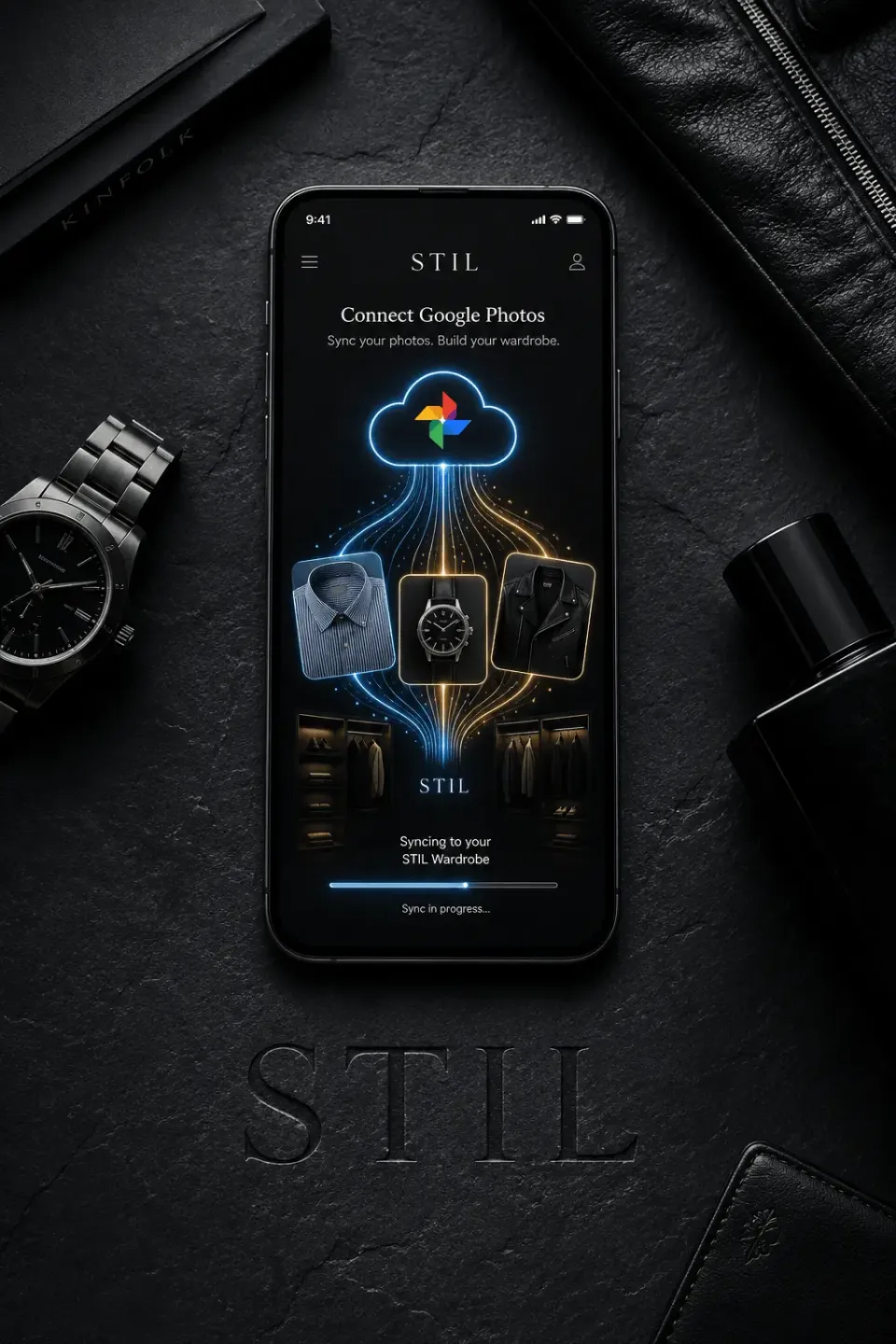
The STIL Solution: Import Easily and Let AI Style You! We are thrilled to announce that STIL now features a seamless, direct integration with Google Photos. We have eliminated the friction of the "Cloud Struggle."
You no longer have to leave the app to hunt down your clothing pictures. Here is how the new STIL + Google Photos workflow optimizes your digital wardrobe:
- Direct In-App Access: Simply tap the "Add from Google Photos" button inside the STIL app. You can instantly browse your cloud library without ever switching applications.
- Select Your Garments & Profile Images: Easily pick out photos of your favorite clothing items, or select a great picture of yourself to serve as your STIL profile image.
- Organize Your Way: Once you select your images, you import them straight into your STIL wardrobe. You maintain total control by selecting exactly what kind of item it is (e.g., classifying it as a jacket, trousers, or accessory).
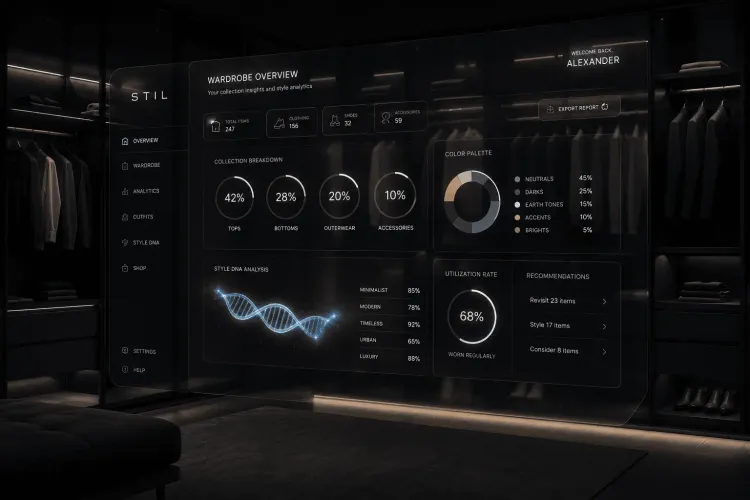
- Unified Digital Closet: These newly imported Google Photos live seamlessly alongside the items you have added via your camera or local gallery.
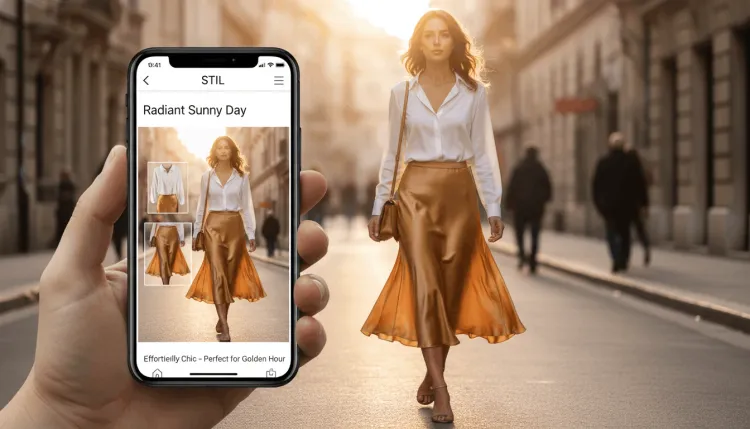
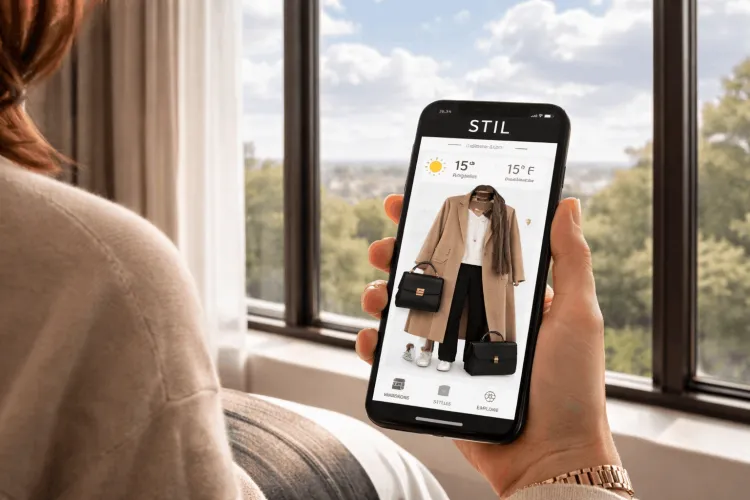
- Instant AI Combinations: Once your items are in the STIL wardrobe, the AI takes over. STIL will act as your personal stylist, utilizing your imported clothes to generate lookbooks, weather-appropriate daily outfits, and fresh style combinations you might never have thought of yourself.
Your cloud storage is already full of the clothes you own. Put that data to work. Connect your Google Photos to STIL today and let our AI build your ultimate daily combinations in seconds.